
Why restaurants struggle to get reviews
Happy guests are busy paying and leaving. If leaving a review means searching for your name, finding the button and logging in, most will not do it.
How a review card fixes it
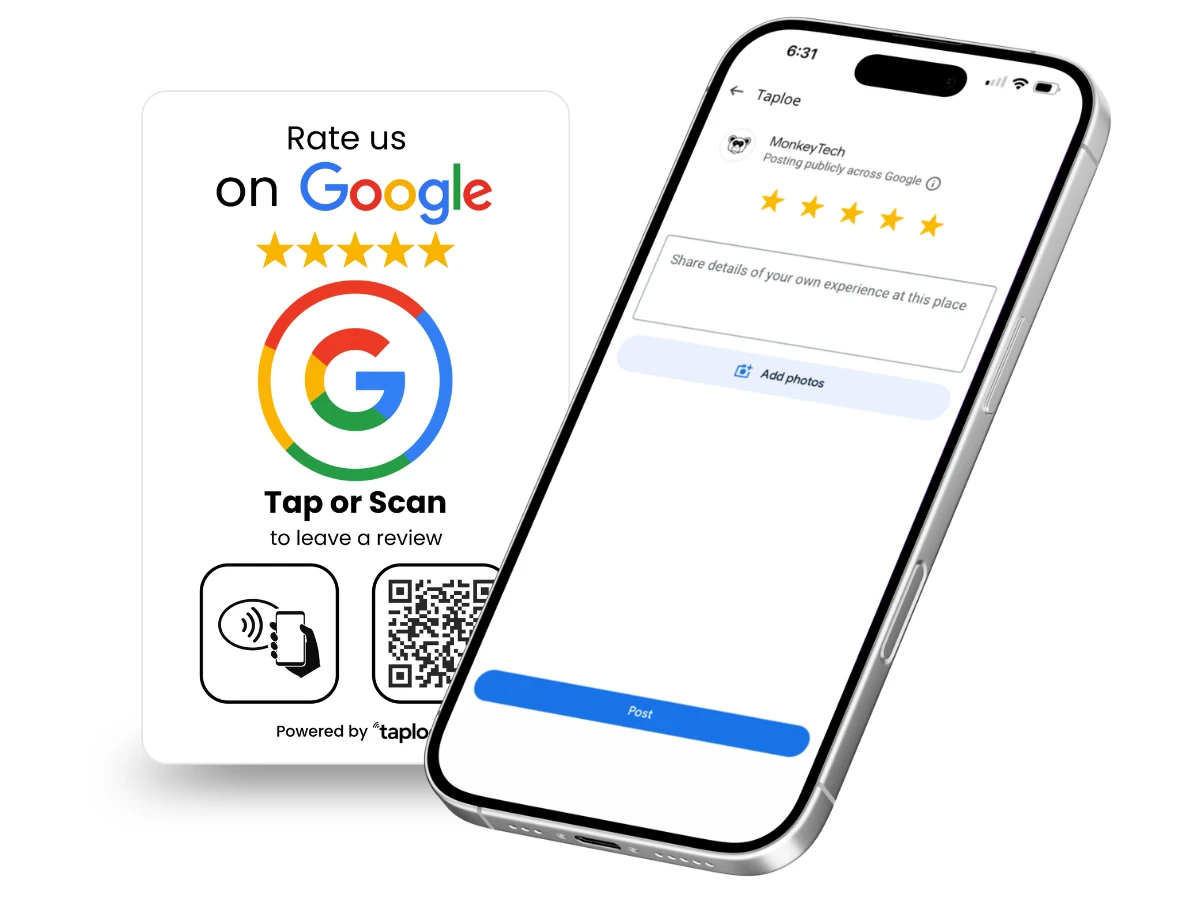
A card with NFC and a QR code opens your review page directly. Guests tap or scan while they wait for the bill. See our Google review cards and TripAdvisor review cards.
Where to place them
- On the check presenter or bill tray
- In a small stand on each table
- At the host stand and takeout counter
- On takeout bags and receipts
A simple staff script
"If you enjoyed everything tonight, we would love a quick review. Just tap your phone on this card."
Google or TripAdvisor?
Use Google for local search and maps visibility, and TripAdvisor if you get tourist traffic. Many restaurants use one card of each. See TripAdvisor tips.
Mistakes to avoid
- Offering free desserts or discounts for reviews. Platforms prohibit incentives.
- Asking only happy guests. That is review gating and against Google policy.
- Ignoring replies. Respond to every review, good or bad.
Order for multiple locations
Need cards for several restaurants? Request a bulk quote on the contact page.