Step 1
Buy your card
Add your logo and your business review link.
 +1 free card in 2026
Almost every new customer looks you up on Google before visiting. In BrightLocal’s 2026 survey, 41% of consumers said they always read reviews, and 74% look for reviews from the last three months. The businesses that win aren’t the ones with the most reviews ever; they’re the ones collecting fresh reviews every week.
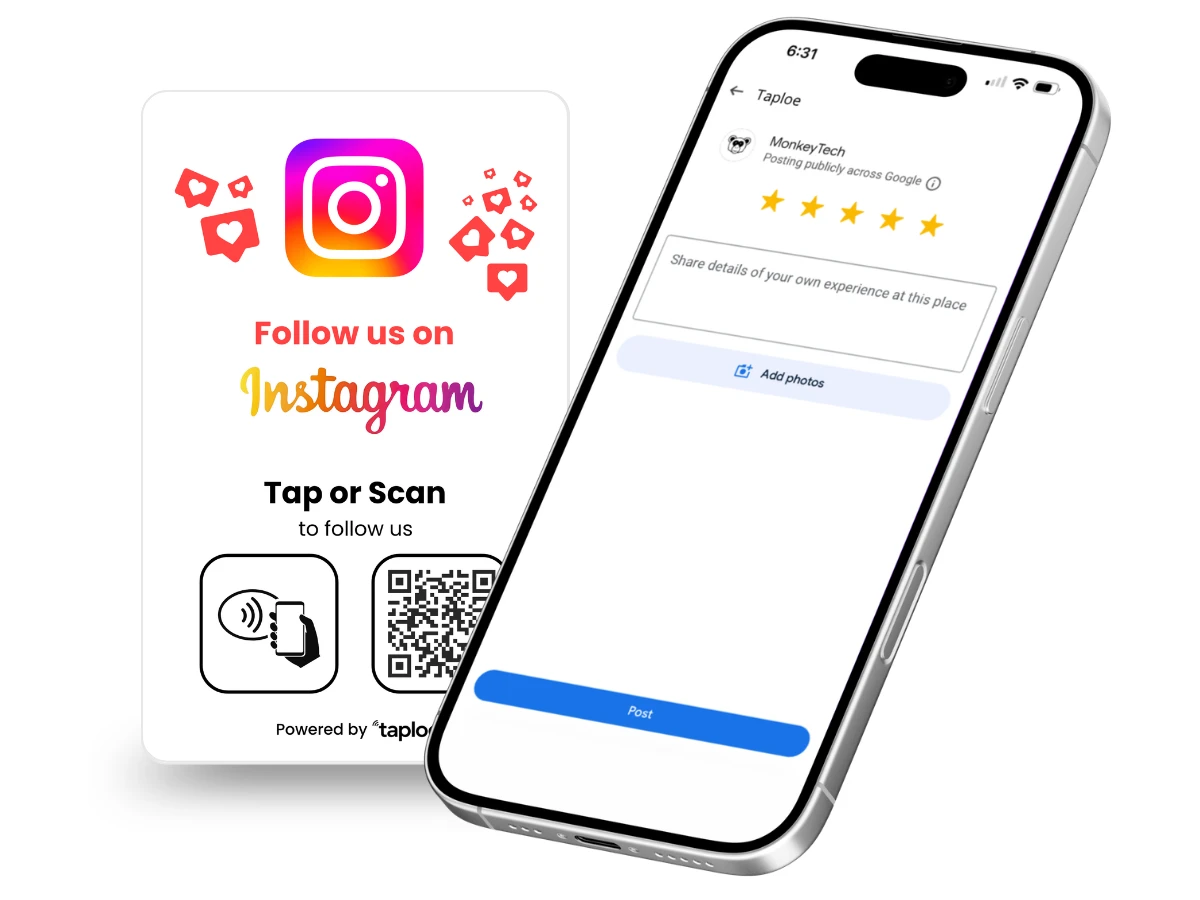
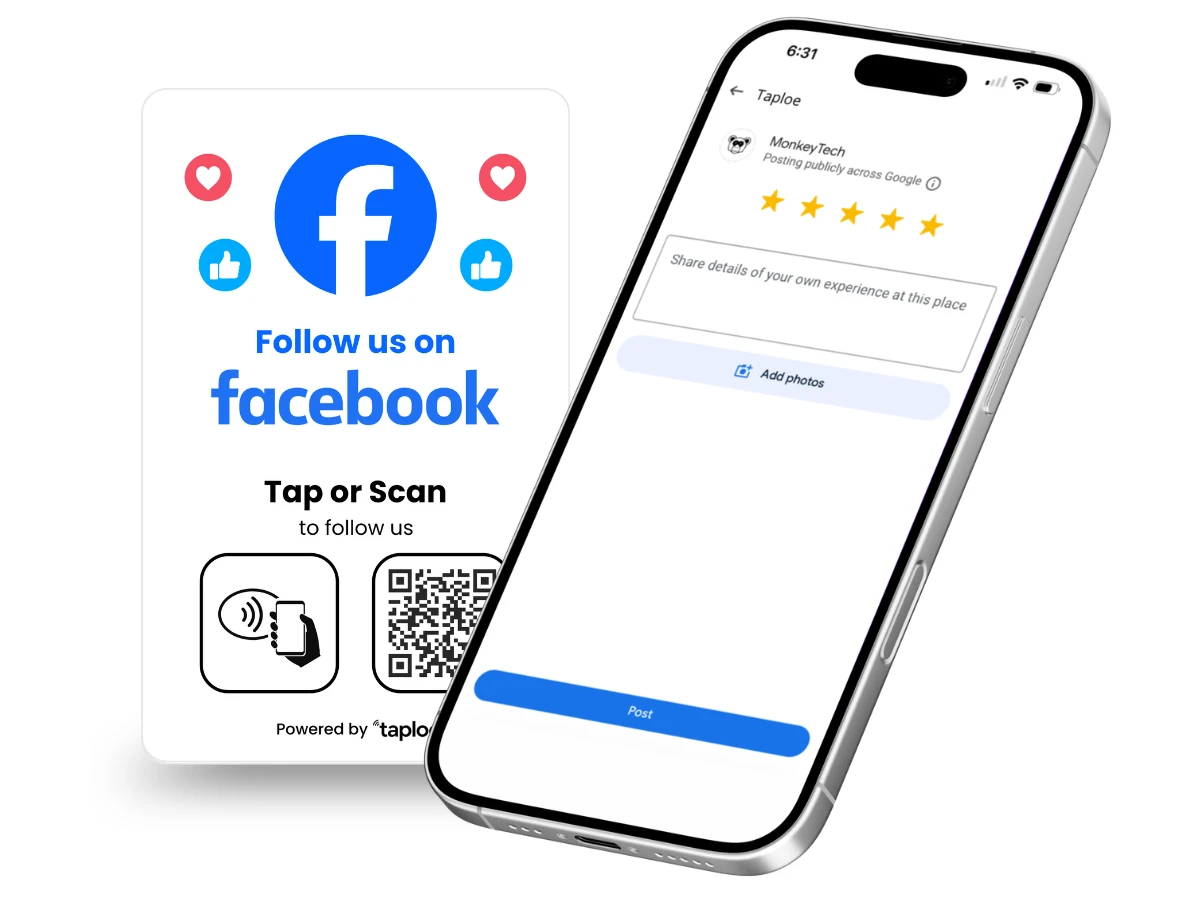
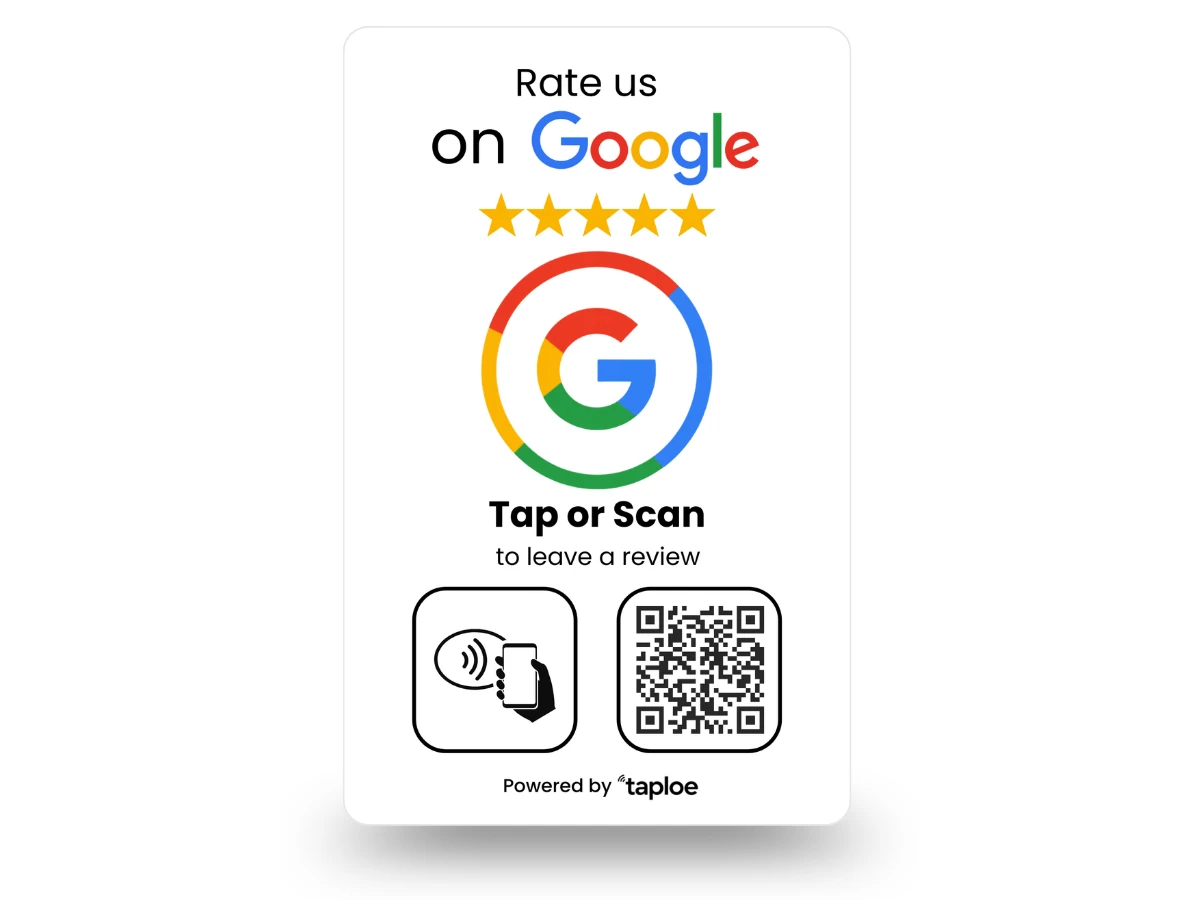
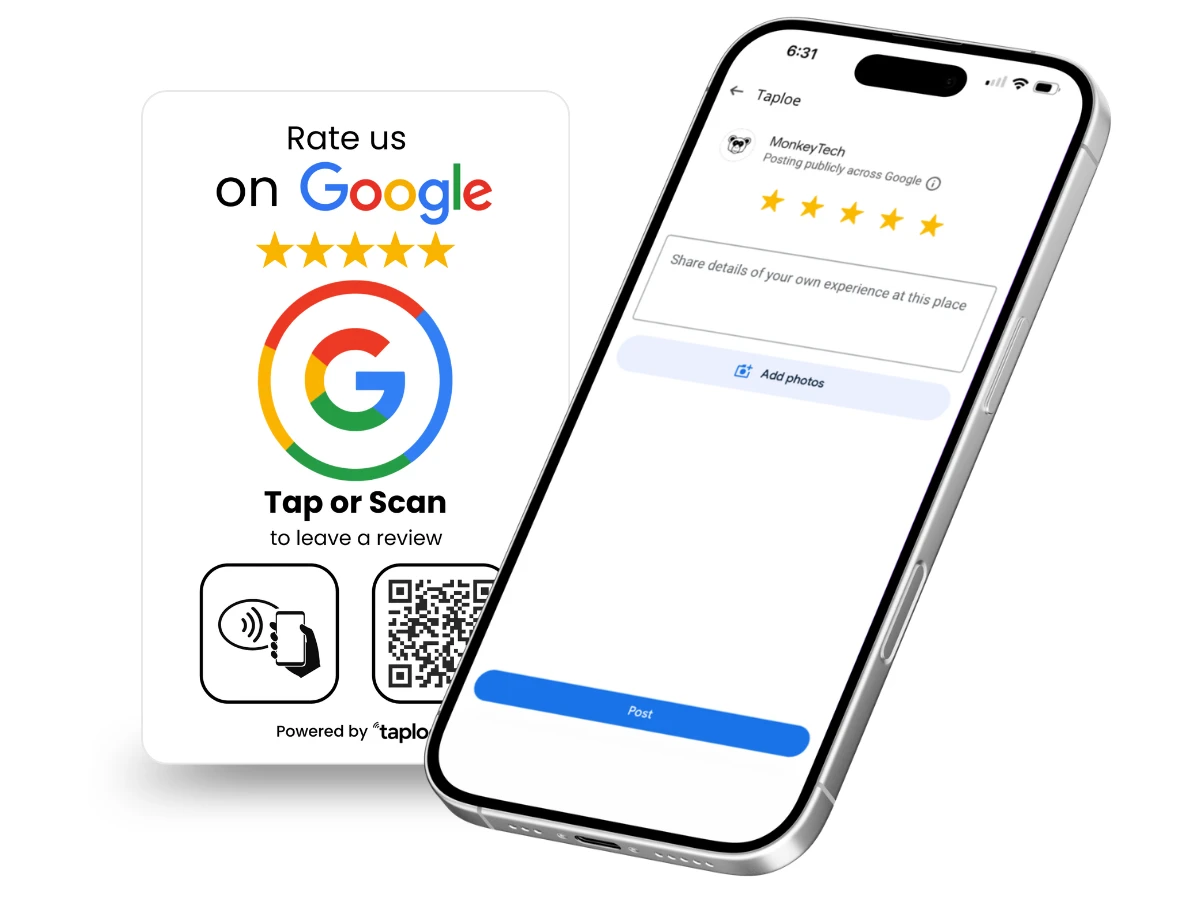
The problem is friction. Most happy customers would gladly leave a review, but searching for your business, finding the right button and logging in loses them. A Google review card removes every step: tap, and the review form is open.
Ask every customer, never offer rewards for reviews and never buy them. Google’s 2026 protections make fake engagement riskier than ever. A review card is simply a faster way to ask honestly.
Learn more: how to get more Google reviews and Google Maps’ 2026 review protections.
Order and start collecting reviews in a few steps.
Add your logo and your business review link.
We prepare your order and ship it in 5-7 business days.
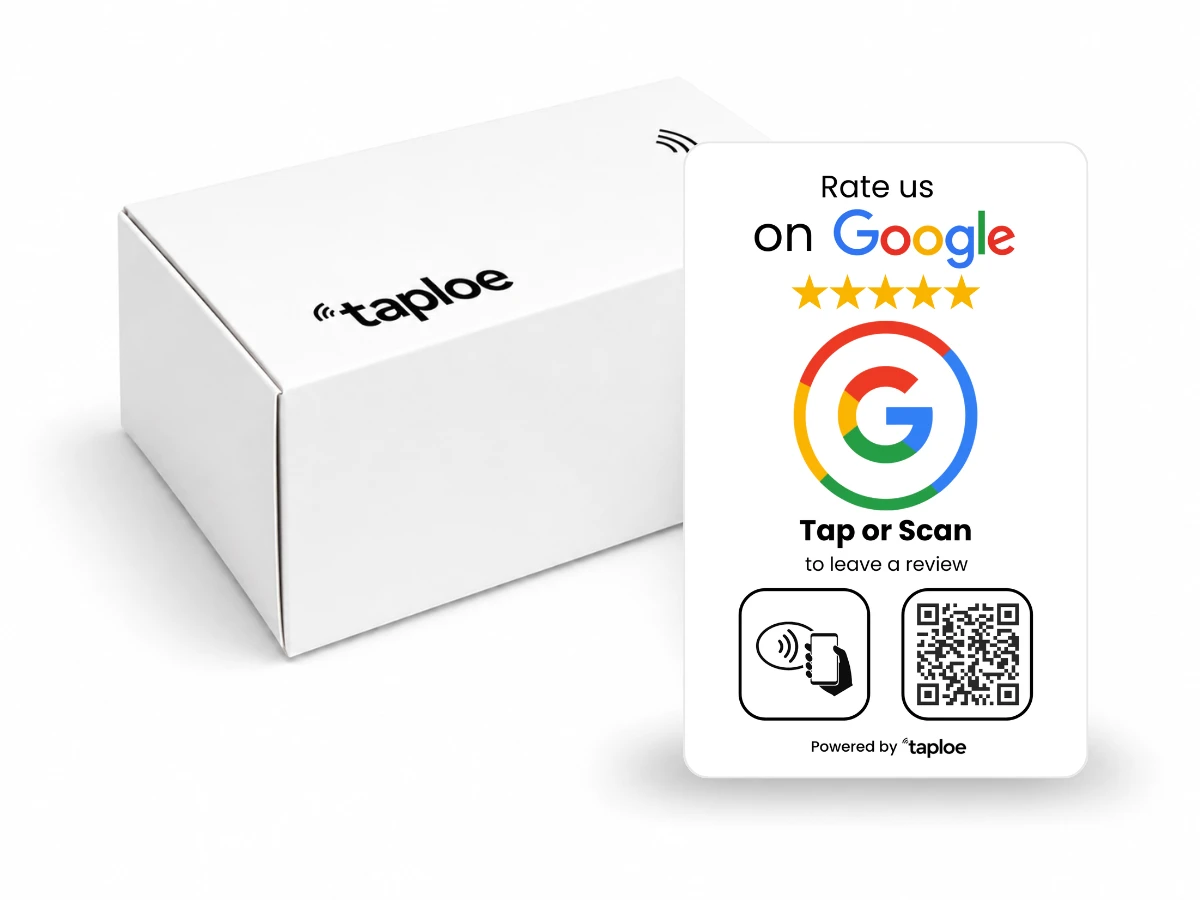
Place it in your business and start sharing the link.
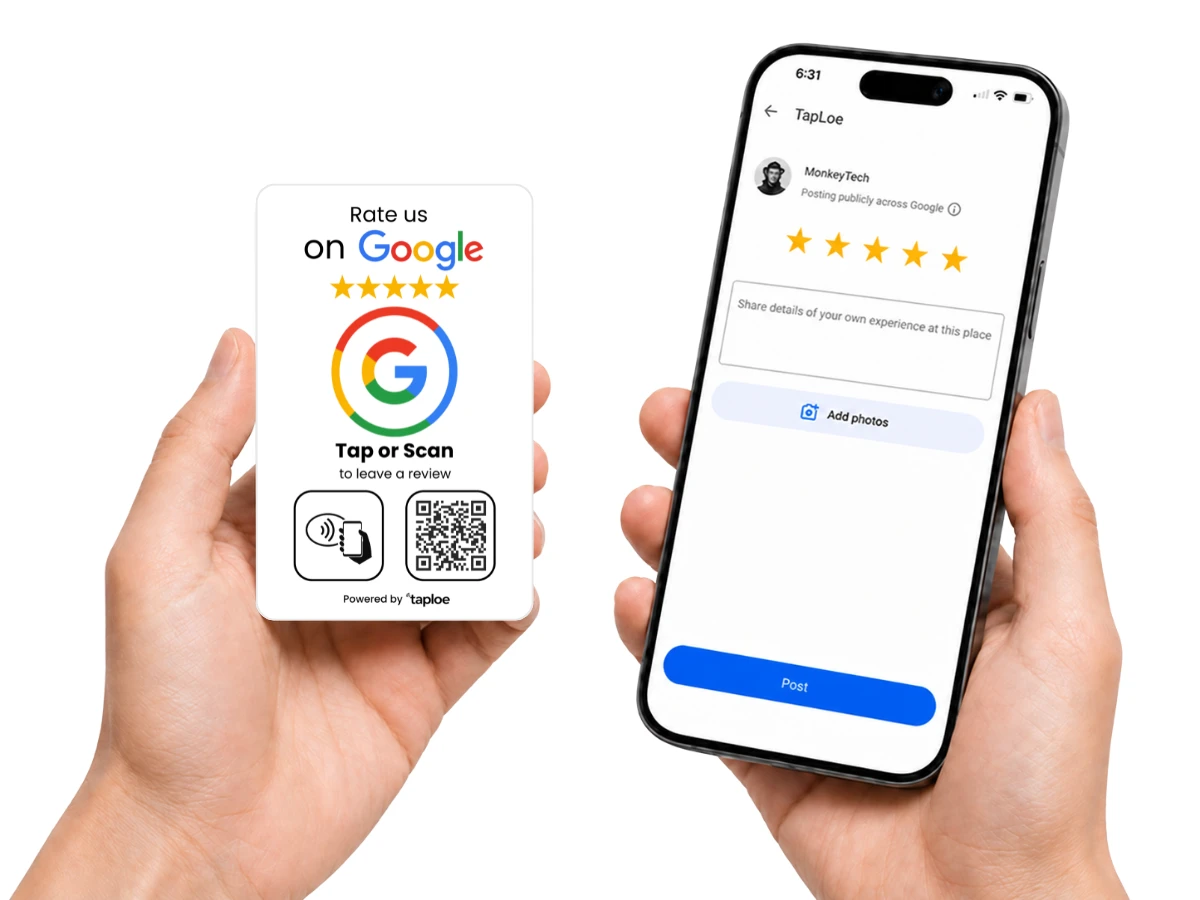
The essentials before placing your order.
No. This card is designed to open your Google review link.
If you need to change it, contact us so we can review the update.
Yes. It includes NFC access and a built-in QR code.
The direct link where your customers can leave a review.
Yes. The card is personalized with your brand.
Estimated delivery is 5-7 business days after the order is confirmed.
More ways to connect with customers in one tap.