QR Codes in Print: Size, Contrast and Placement Rules That Actually Scan
A QR code that doesn’t scan is worse than no QR code at all. People try once, give up and feel a little foolish. These rules keep your printed codes reliable.


Size
A common rule of thumb is that scanning distance is about ten times the code’s width. For a card held in the hand, about 2 cm (0.8 in) is the practical minimum. Posters need much bigger codes.
Quiet zone
Leave a clear margin around the code, ideally about four modules (the little squares) wide. Text or borders touching the code cause failed scans.
Contrast
Dark code on a light background. Avoid light-on-dark and low-contrast brand colors. Never put a code on a busy photo.
Short links scan better
Longer URLs make denser codes. Shorter links, or dynamic links managed by a platform, create simpler patterns that scan faster.
Placement
- At eye or hand level.
- Not on curved or glossy surfaces that reflect light.
- With a one-line call to action: “Scan to leave a review.”
Test before printing
Test with an older Android phone and an iPhone, in low light, from the actual distance customers will scan.
Add NFC as a backup
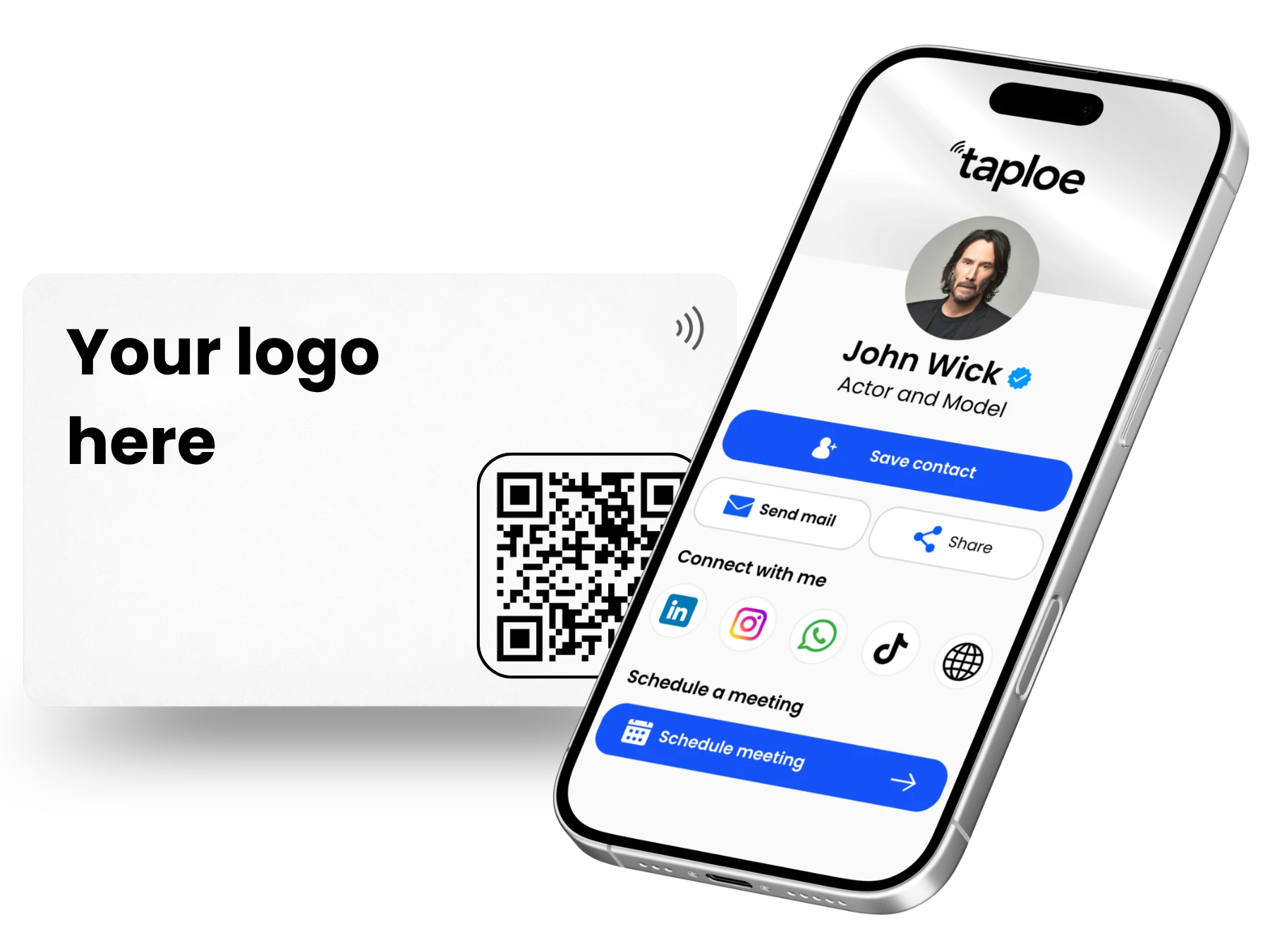
Pairing QR with NFC means people can tap instead of scanning. That’s how every Taploe card is built. Read more in NFC vs QR.
Frequently asked questions
What is the minimum QR code size?
For something held in the hand, about 2 cm (0.8 in). Larger for anything scanned from a distance.
Can I put my logo in a QR code?
A small logo in the center usually works thanks to error correction. Always test it.
Do QR codes expire?
Static codes don’t. Dynamic codes depend on the service that manages the redirect.