Does NFC Work Through Phone Cases? 9 Tap Questions Answered
The first time someone taps your card and nothing happens, it’s usually one of a few simple things. Here are the questions we hear most, with quick answers.

1. Does NFC work through a phone case?
Usually yes. Normal plastic, silicone and leather cases are fine. Thick rugged cases, metal cases and cases with magnets or card holders can weaken or block the signal.
2. Where should I tap on an iPhone?
Near the top edge on the back, close to the camera.
3. And on Android?
Usually the middle or upper back. It varies by model.
4. Does the phone need to be unlocked?
On iPhone, the screen needs to be on and awake. Many Android phones need to be unlocked.
5. Which iPhones read NFC tags automatically?
iPhone XR, XS and newer read NFC tags in the background without opening an app.
6. Does NFC need to be turned on?
On iPhone it’s always on. On Android, check Settings → Connected devices → NFC.
7. Does NFC work through a wallet?
Often, but another NFC card in the wallet can interfere. Take the card out to tap.
8. How close do I need to be?
About 1–4 cm. Hold it there for a second.
9. What if it still doesn’t work?
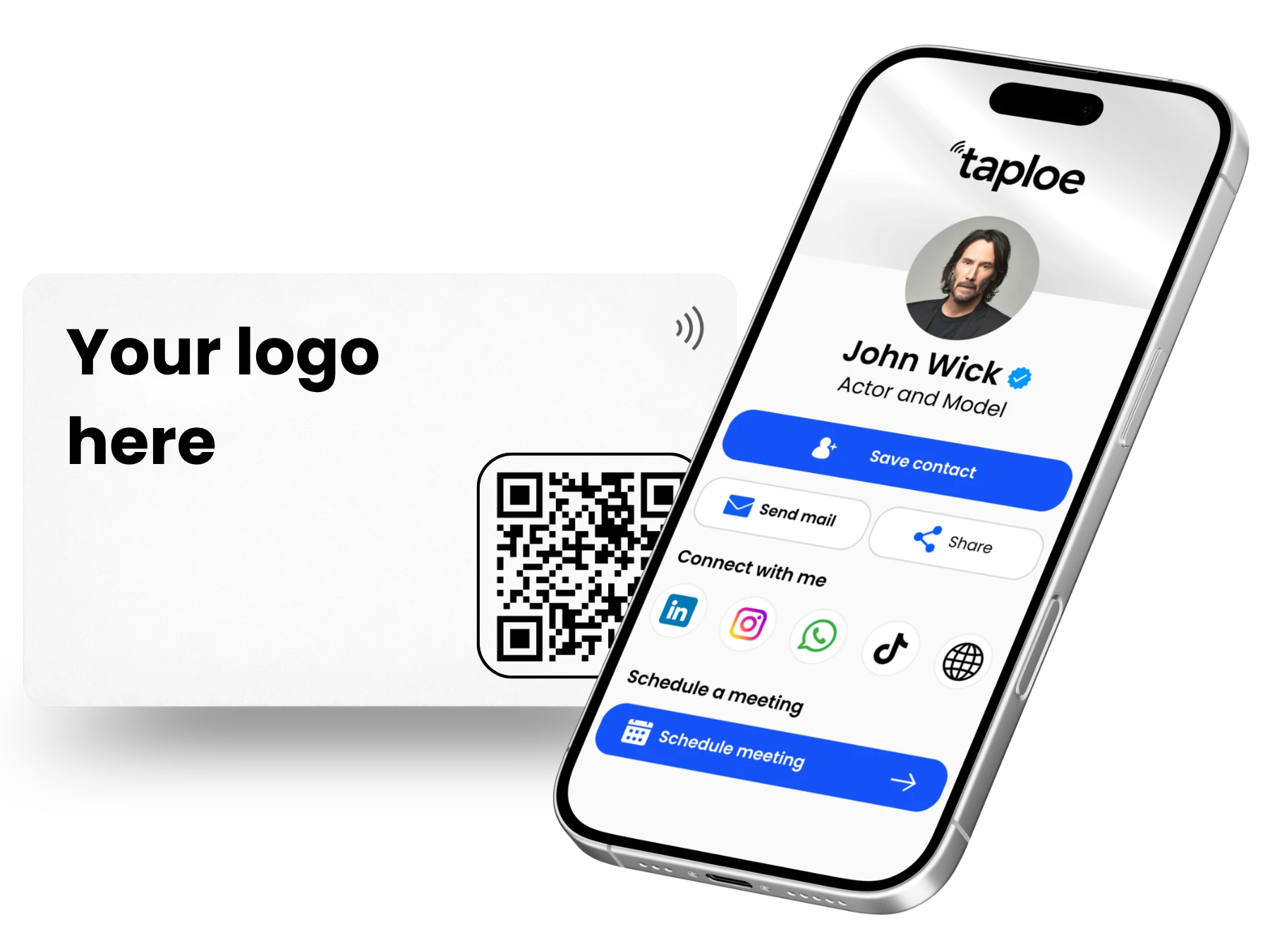
Scan the QR code. Every Taploe card has one. See also how NFC business cards work.
Frequently asked questions
Do metal NFC cards work?
Yes. Metal NFC cards are engineered so the chip can still communicate with phones.
Does NFC use mobile data?
Reading the tag doesn’t, but opening the link does use the phone’s internet connection.
Can a tag wear out?
Passive NFC tags have no battery and last for years of normal use.