
1. Ask at the right moment
Ask right after a positive experience: when the job is finished, the meal is over or the customer says thank you. A quick, friendly, in-person request converts far better than an email a week later.
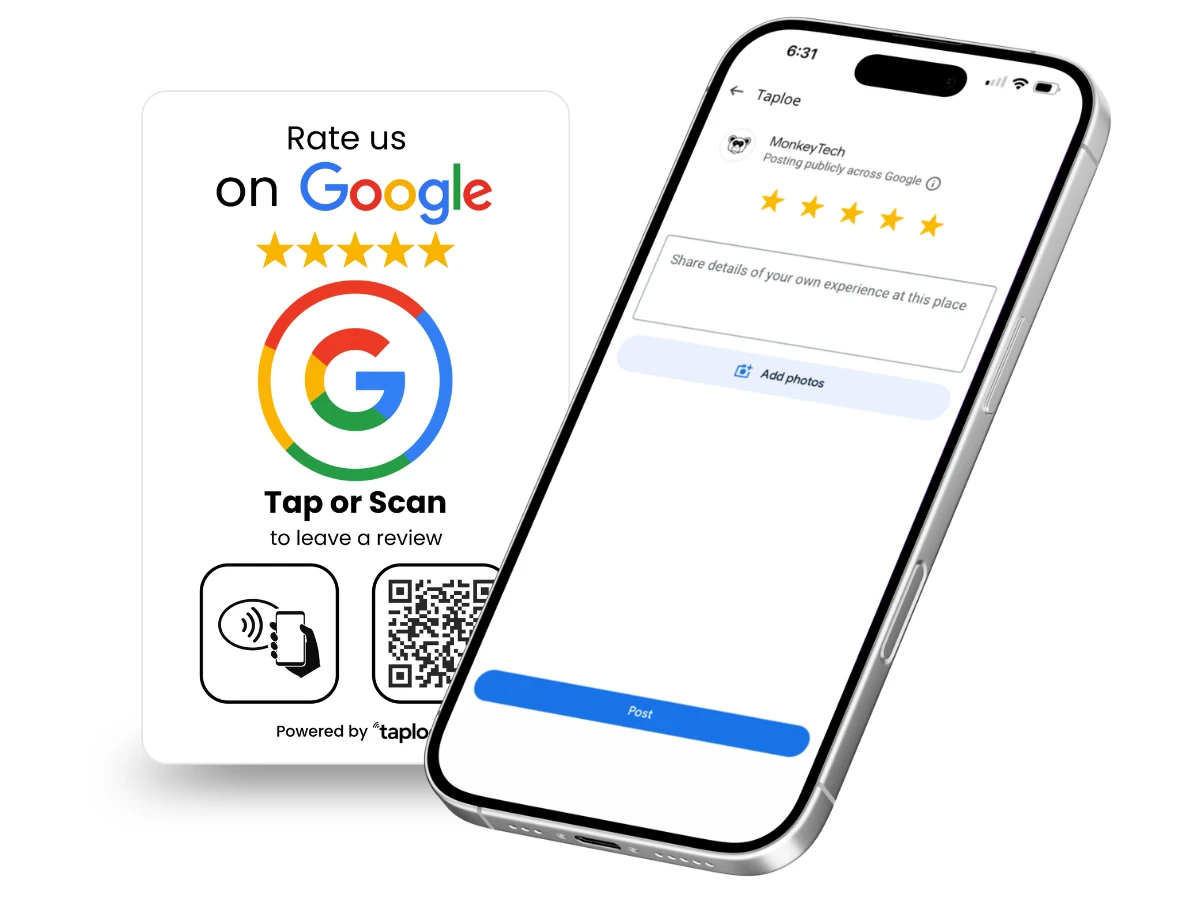
2. Make it one tap
Every extra step loses people. A Google review NFC card or QR code opens your review form directly. The customer taps or scans, then writes. No searching for your business, no scrolling to find the button.
3. Use your direct review link
Google gives every verified business a direct link to its review form. Learn how to find it in our guide to the Google review link and QR code.
4. Put the ask where customers already are
- At the counter or checkout
- On the receipt or invoice
- On the table in a restaurant
- On the back of your business card
- In the follow-up text or email after a service
5. Train your team to ask
Give staff one simple sentence: "If you enjoyed your visit, would you mind leaving us a quick Google review? You can tap your phone on this card." Consistency beats clever wording.
6. Reply to every review
Responding shows future customers you care, and thanks reviewers for the effort. Keep replies short, specific and human.
7. Handle negative reviews professionally
Stay calm, apologize where appropriate, and offer to fix it offline. A thoughtful reply to a bad review often builds more trust than a page of perfect ones.
8. Follow the rules
Google does not allow offering incentives for reviews, and it does not allow "review gating" (only asking happy customers). Ask everyone, and never buy or fabricate reviews. Fake reviews can get your listing suspended.
9. Track your progress
Note how many reviews you collect each month. Small, steady growth beats occasional spikes.
Where NFC review cards fit in
An NFC and QR review card is a physical prompt that makes tactic #2 effortless. Browse the Taploe catalog or see pricing. For hospitality, see our guide to getting more TripAdvisor reviews.