
Step 1: Sign up
Create a free account with Taploe. You only need an email to start.
Step 2: Add your identity
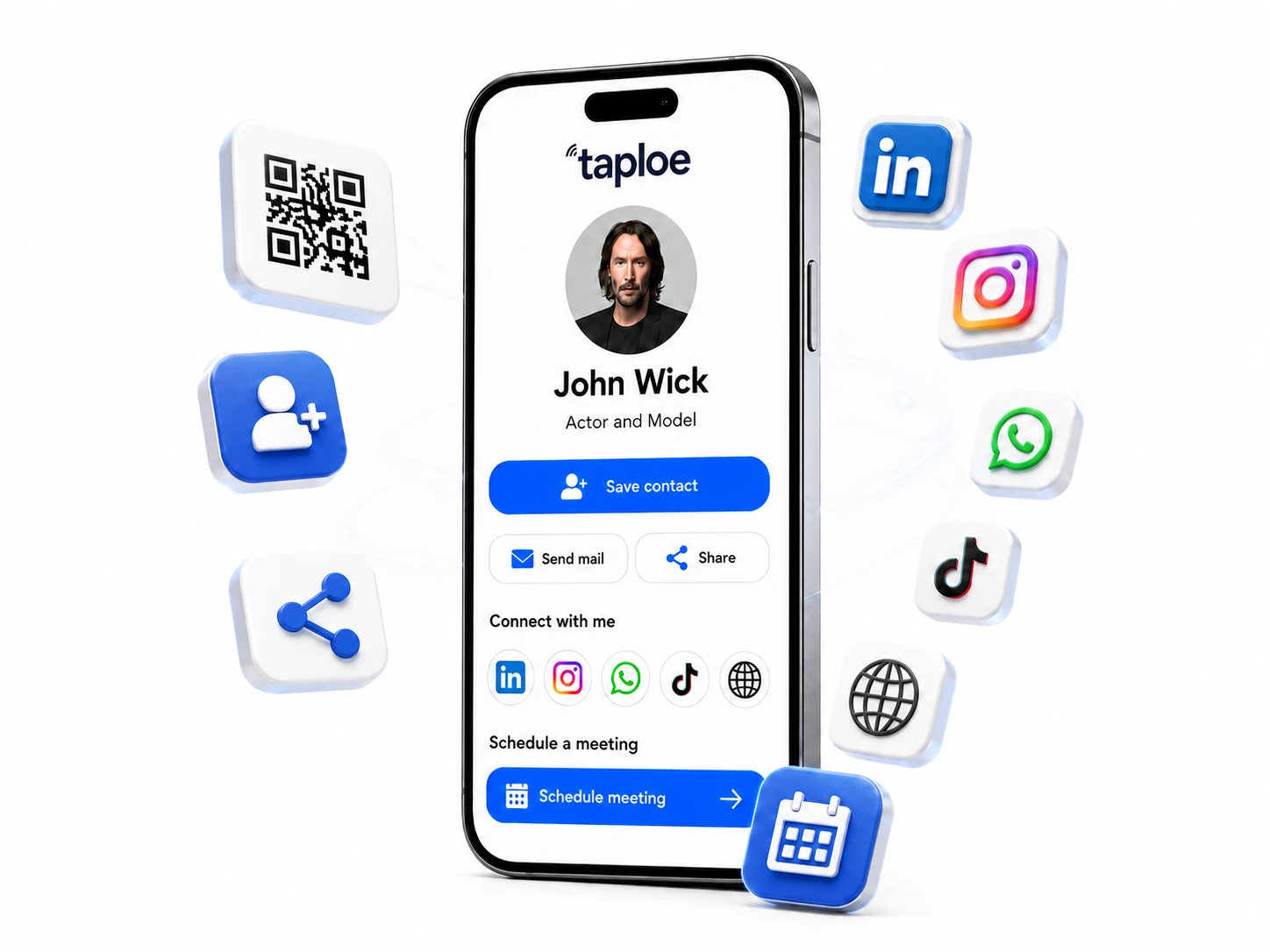
Upload a photo or logo, then add your name, job title and company. Add a short sentence about what you do.
Step 3: Add contact and links
Add phone, email, website and the social profiles you actually use. Consider adding a booking link and a WhatsApp button. Read our guide on what to put on a digital business card.
Step 4: Choose how to share it
- Link: paste it in your email signature, LinkedIn bio and messages.
- QR code: show it on your phone or print it on materials.
- NFC card: tap to share in person. See how NFC business cards work.
Step 5: Test it
Open your link on a different phone. Check that the save-contact button, phone and email buttons all work.
Step 6: Upgrade when you are ready
When you want the in-person wow factor, order a custom NFC business card or a premium metal card that opens the same profile.